2026-11-19
How to turn your Suno song into a full music video
Start with the chorus, check how your lead looks on screen and use the same setup for the whole song.
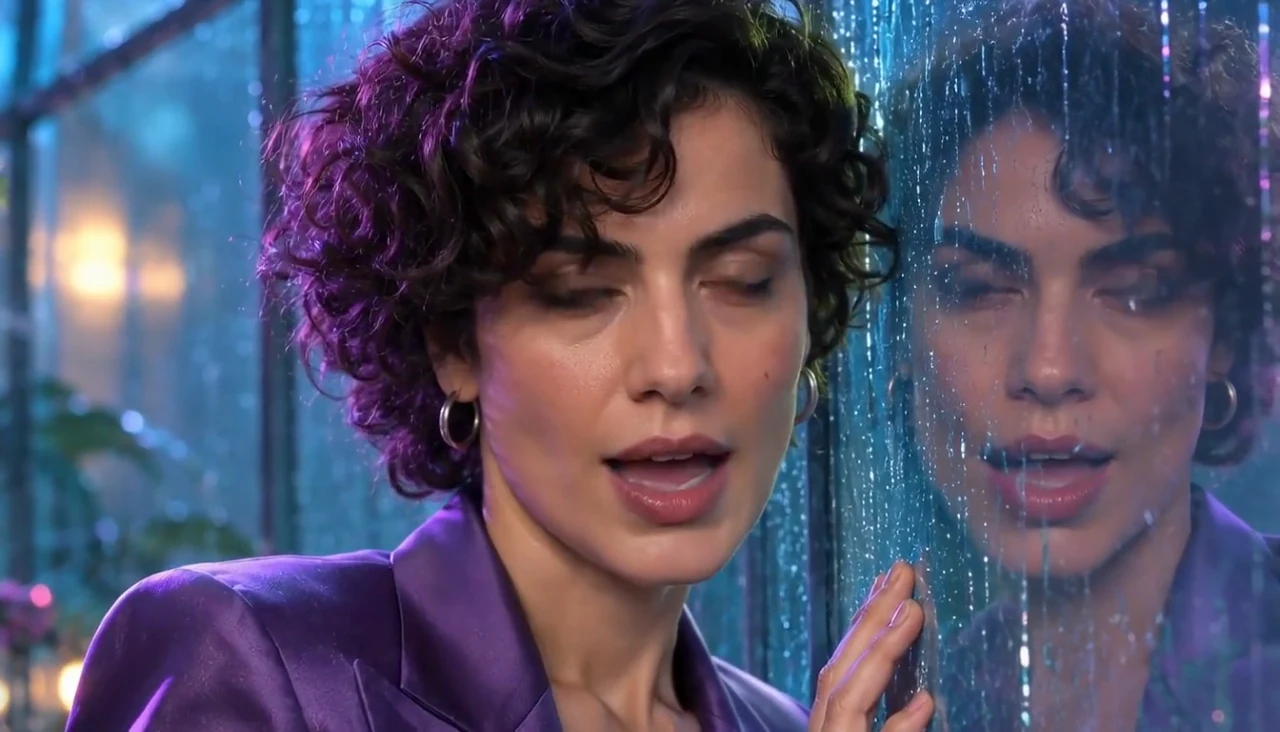
A chorus clip can show you whether your singer and visual style fit the track. For a full music video, you also need a plan for what viewers see during the verse, the breaks and the last chorus. On SunoVisuals.ai, you can start with a short section of your exported song, then review a storyboard for the full track before rendering it.
All you need is an audio file you have permission to use.
What do Suno Visual credits pay for?
In the r/SunoAI launch discussion, people asked whether they could use leftover Song credits for videos, whether the trial credits would refresh and how much a first attempt might cost.
On Suno, Song credits pay for music generation. Visual credits pay for new images, videos and edits that generate new visuals. Suno describes its trial grant for Pro and Premier as a limited-time offer, so check your account before counting on another grant. The generation cost depends on the clip length and quality you choose. Suno Help on Visual credits · Suno Visuals FAQ
If your song is already in Suno and you want to try a visual there, open the song’s menu and choose Create Visual → Video Clip. Suno generates 5–15-second clips, supports lip-sync and on-screen lyrics, and lets you extend and arrange clips into a longer sequence in its Visuals Editor. Suno’s video guide
Export the audio and test a chorus
- Download the finished mix from Suno. In Library or Workspace, open the song’s … → Download menu and choose an audio file. MP3 works for this workflow. Download availability depends on your Suno account. Suno’s download guide · Suno’s download allowances
- Upload the track and a clear photo of your lead. In Create, upload an MP3, WAV or M4A file up to 30 MB. The video can cover 5 seconds to 6 minutes of audio. Use the waveform to pick 15 seconds around a line you want your character to sing.
- Choose the performance and framing. Pick Sing & Perform to combine your lead’s lip-synced singing with story shots, or Perform for a story without lip-sync. Choose 9:16 for a vertical teaser or 16:9 for a landscape release. Try a short direction such as “Start close on the singer beside rain-streaked glass, then cut to an empty greenhouse path after the vocal line.”
- Check the first frames. In Review & Edit, look for a visible mouth in singing shots and check the character’s face, outfit and framing across scenes. Revise an individual frame before rendering if it looks off.
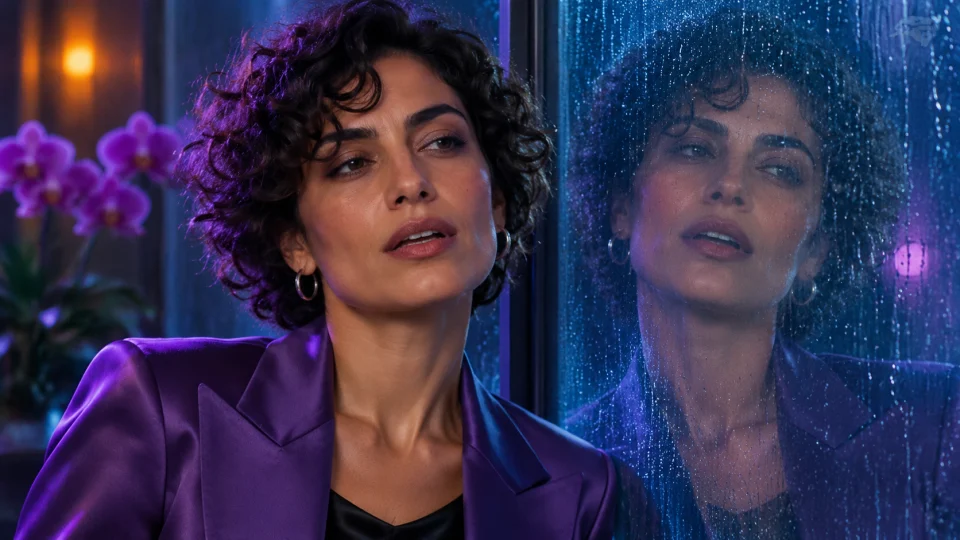
In Pulse Garden, a 17-second SunoVisuals.ai example, singing close-ups alternate with a shot down the greenhouse path. Watch how the change in framing gives the chorus a visual break while the song keeps playing.
Watch the 17-second Pulse Garden example
Go from a teaser to the whole song
On the teaser’s project page, use Make the whole song if it’s available. If you see Make another version, open it and select Whole song in Create. The new form carries over the song, character references and settings. Generating the full song starts a new project with its own credit cost. Edited frames and saved takes stay with the teaser.
Give the full storyboard a little more direction. Use an establishing shot for the intro, keep the lead’s face visible for the hook, and give the final chorus a different camera distance or setting. After rendering, you can switch on lyric captions. For 7 days after completion, use Reframe to redraw a shot’s image or Reclip to regenerate that shot’s video. Check the price shown before confirming an edit.
Budget for the version you want to make
- 15-second chorus at 768p: 15 SunoVisuals.ai credits. New accounts receive 20 credits, so you can make this test and watch the watermarked result in your browser.
- Three-minute song at 768p: 180 credits. The one-time Starter pack includes 240 credits for $9.90. The same three-minute song at 1080p costs 360 credits.
The creation button shows the cost for your selection. If you discard a completed storyboard before rendering, the preview fee is retained and the rest of the reserved credits return to your balance. Any one-time pack unlocks watermark-free MP4 downloads. Use music and photos you have permission to use in the video, including for commercial release if that’s your plan. SunoVisuals.ai pricing · Terms of Service